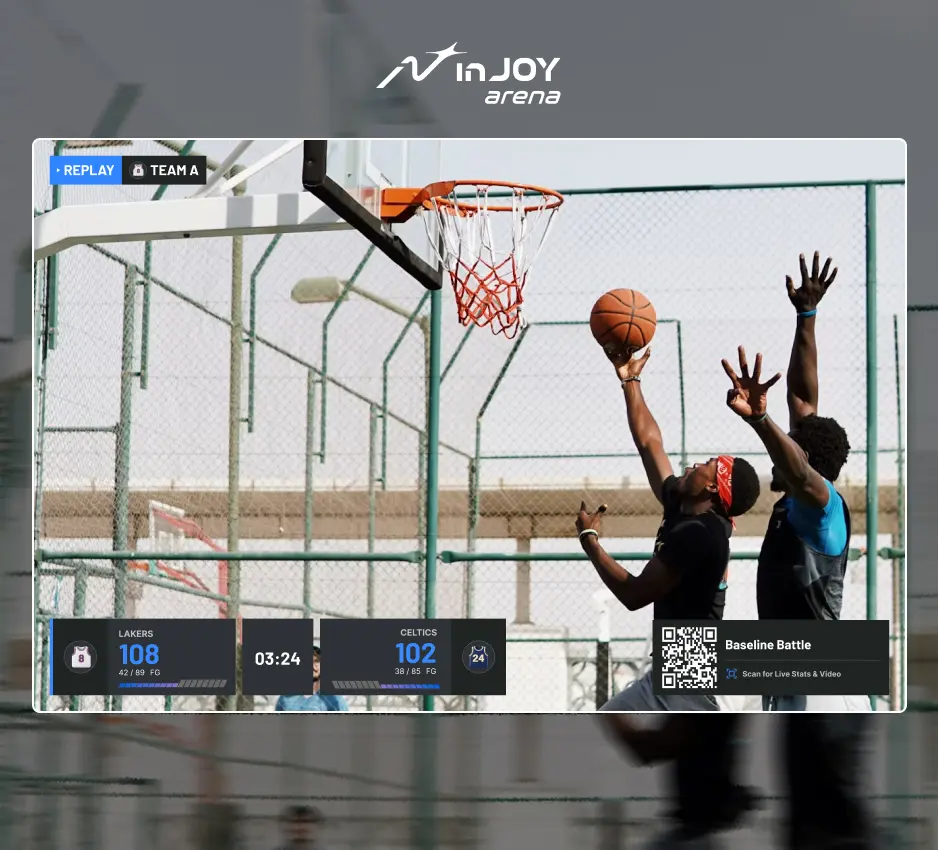
Case study: turning spectators into participants with inJOY ARENA
How do you turn the people watching a basketball event into people taking part? At 總統盃全民競技場 x inJOY ARENA, NeuinX used an outdoor court and a crowd-facing screen to put that idea into practice. This case study looks at the setup behind the experience—and how it could be adapted to other venues.
The brief: help spectators take part
A temporary event has different needs from a permanent arena. Cameras need to be movable, equipment needs to fit the site, and people outside the playing area need to see what is happening. For the operator, the goal is to make the cameras, processing equipment and screens work together.
 Capture the gameCamera
 Connect on siteHub or laptop
 Share the replayScreen + spectators
 Scan and joininJOY on your device
The configuration: camera, hub, screen
The outdoor setup combines a portable camera, a local processing unit (hub) connected over Wi-Fi, and a large screen facing the crowd. The hub connects the on-site equipment, while the screen lets people around the court follow the action together.
The same approach can be planned for a rental court using a laptop and a courtside interactive screen, or a permanent venue using roof-mounted cameras, a server-room hub and screens beside the team benches or overhead. The layout changes, but the basic steps remain: capture the game, process it locally and connect with spectators. Hardware compatibility and installation are confirmed for each venue.
The experience: watch, scan, join
The screen gives spectators a reason to stop and watch. They can see a replay, then scan the event’s QR code to open inJOY on their phone and take part. QR entry and replay access are configured for each event.
At the Presidential Cup, our team successfully brought this approach to an outdoor event. The value lies in connecting the court, the screen and the people watching—not in requiring every venue to use the same camera or display.
Below, compare the event photo with an interactive setup illustration. The outdoor scene reflects the event setup; the community and competition scenes are concepts for other spaces. Select a venue, move the camera or display, and explore the illustrated replay → QR access steps.
Explore a setup for your court.
Pick a venue, move the equipment, and compare the setup with the Presidential Cup deployment. See how watching becomes participating.
From spectator to participant
Keyboard: Tab to equipment, then use arrow keys. Home and End move to the first and last positions.
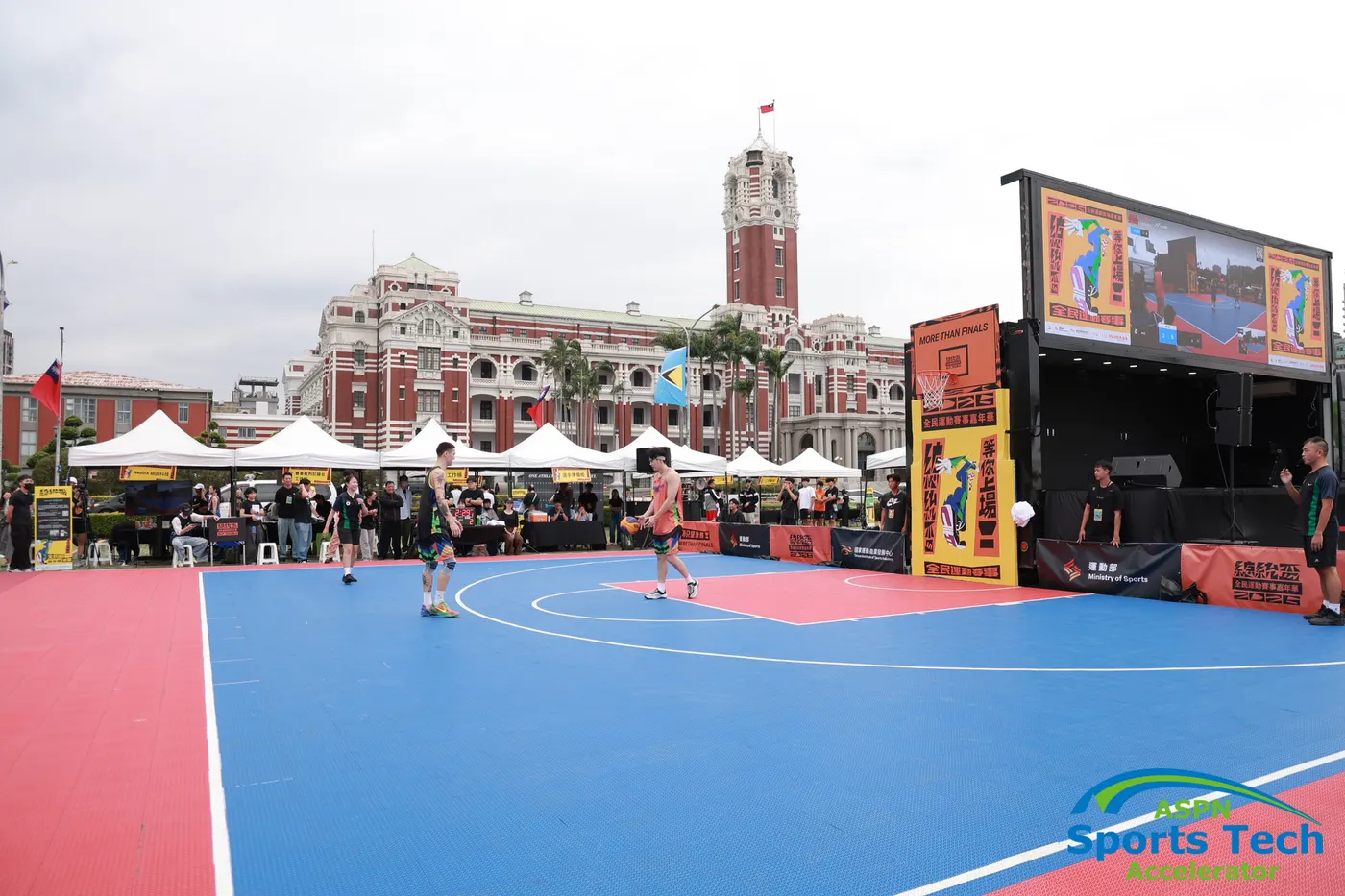
One outdoor court. A shared experience.
A portable camera connects to the hub, and the big screen lets spectators follow the action. They can watch a replay, then scan the event’s QR code to access inJOY. Camera → local processing → replay on screen → QR access to inJOY. Enable JavaScript to move equipment in the illustration.
Photo supplied by NeuinX; ASPN Sports Tech watermark retained. Illustrations: conceptual venue configurations.
Four ways the experience comes to life.
Watch the game, share a moment, join a session and see how you played.
Play in public. Let everyone watch.
The game does not have to stop at the sideline. A large screen brings the on-court action to people nearby, giving spectators and passersby a reason to stop and watch together.
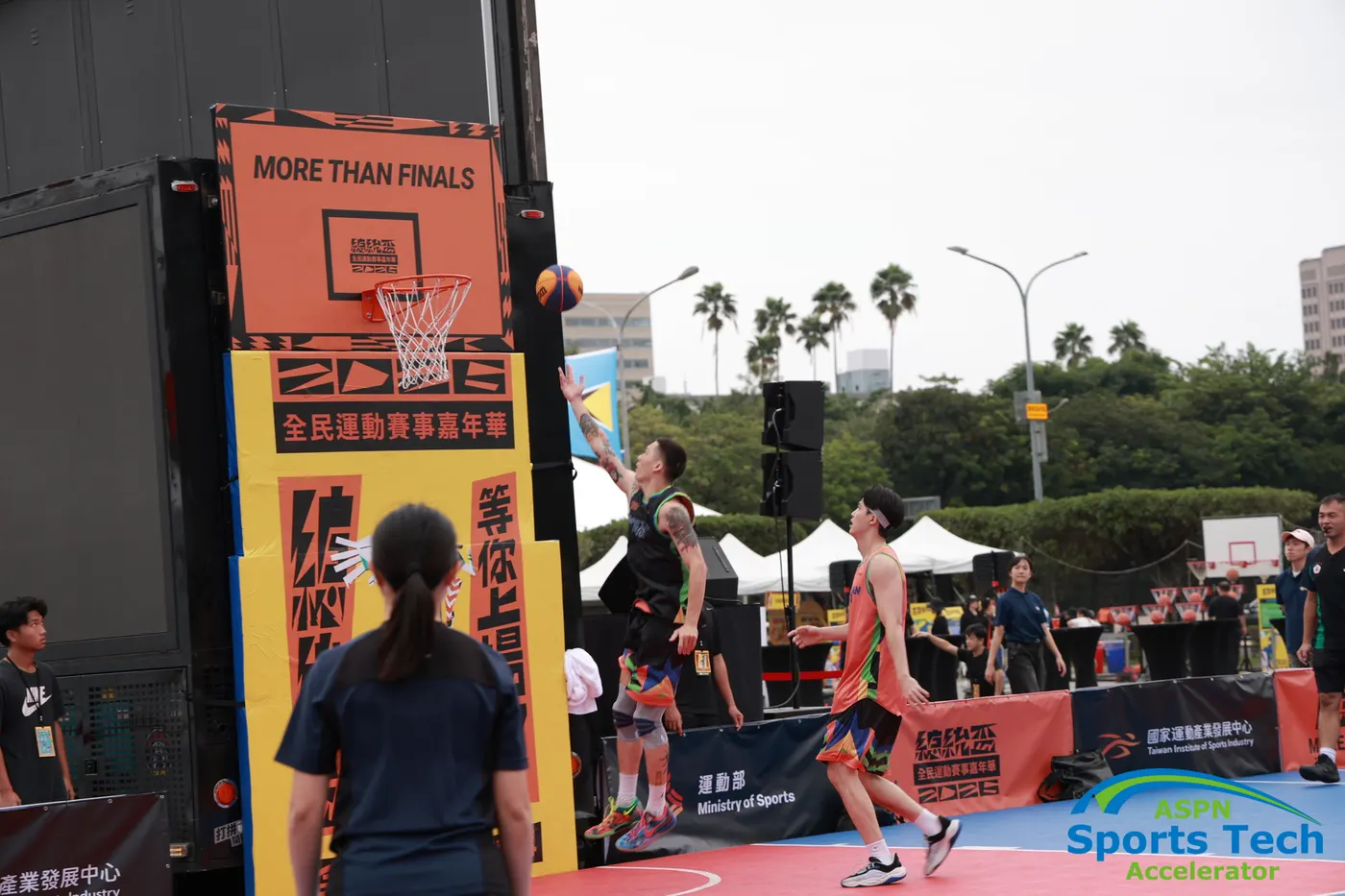
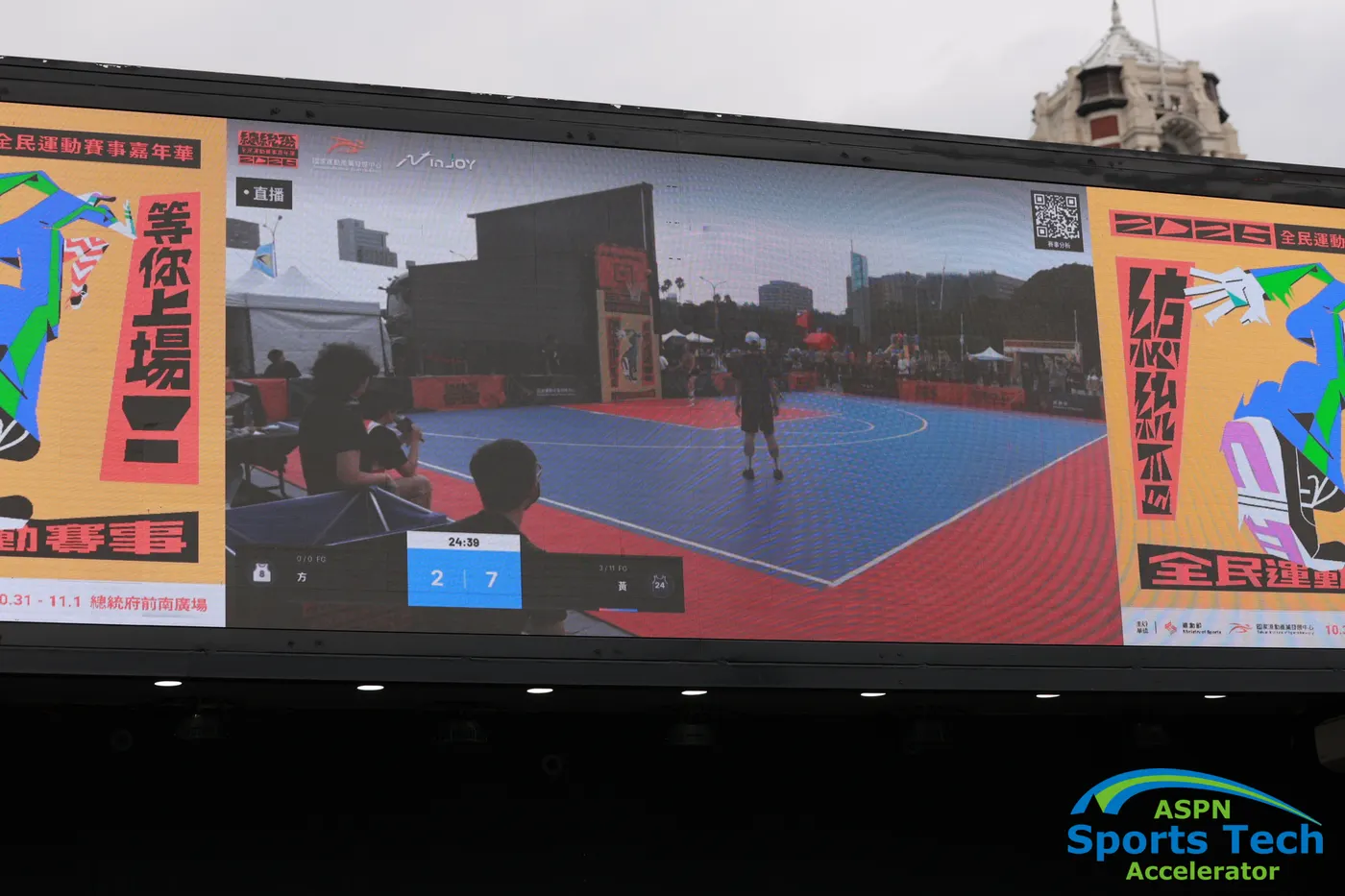
Give fans a moment worth sharing.
When a favorite star takes the court, the moment need not stay at the venue. Fans can scan the event’s QR code to access inJOY, find a moment featuring their favorite player and share it with their own community.
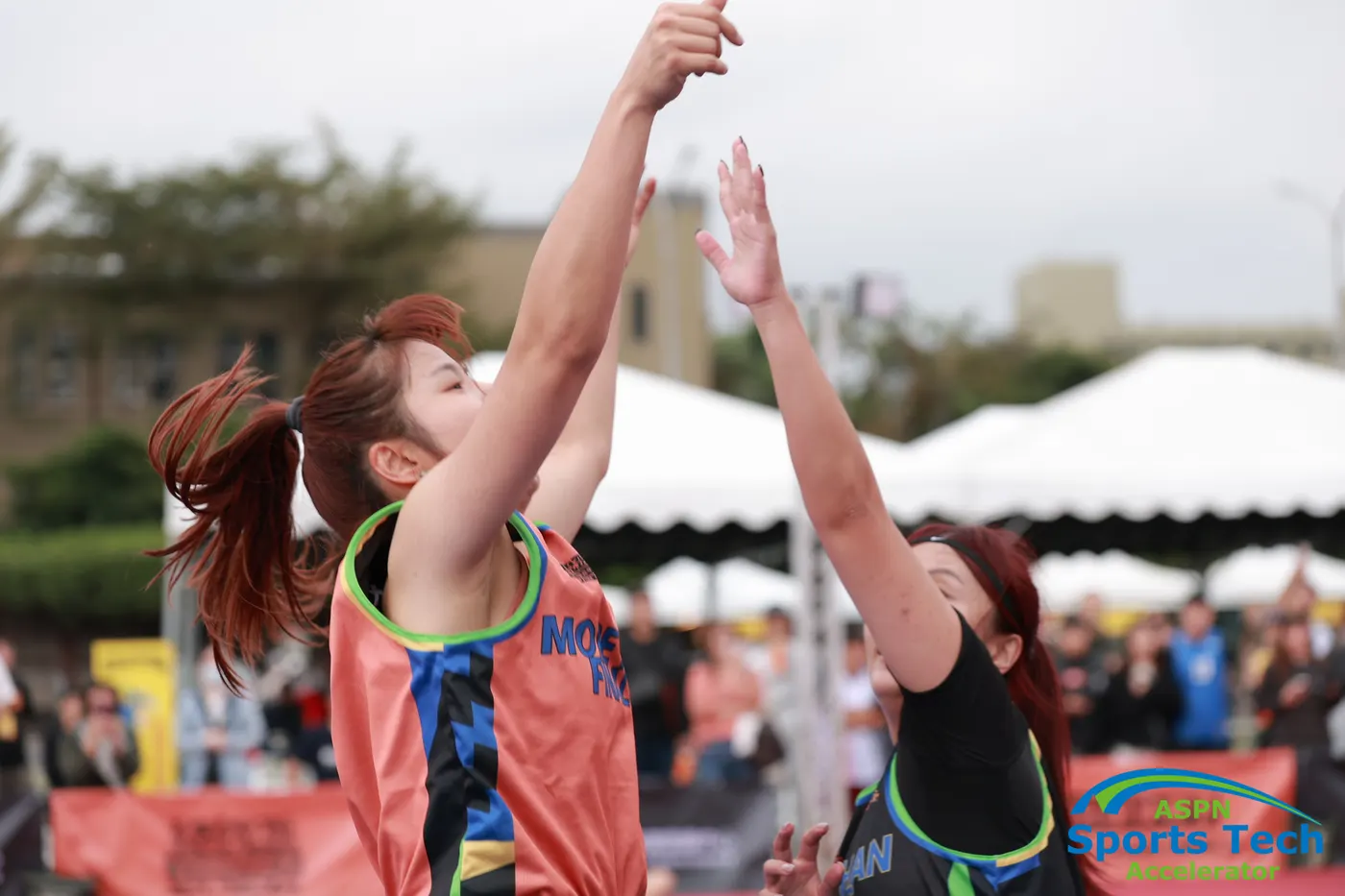
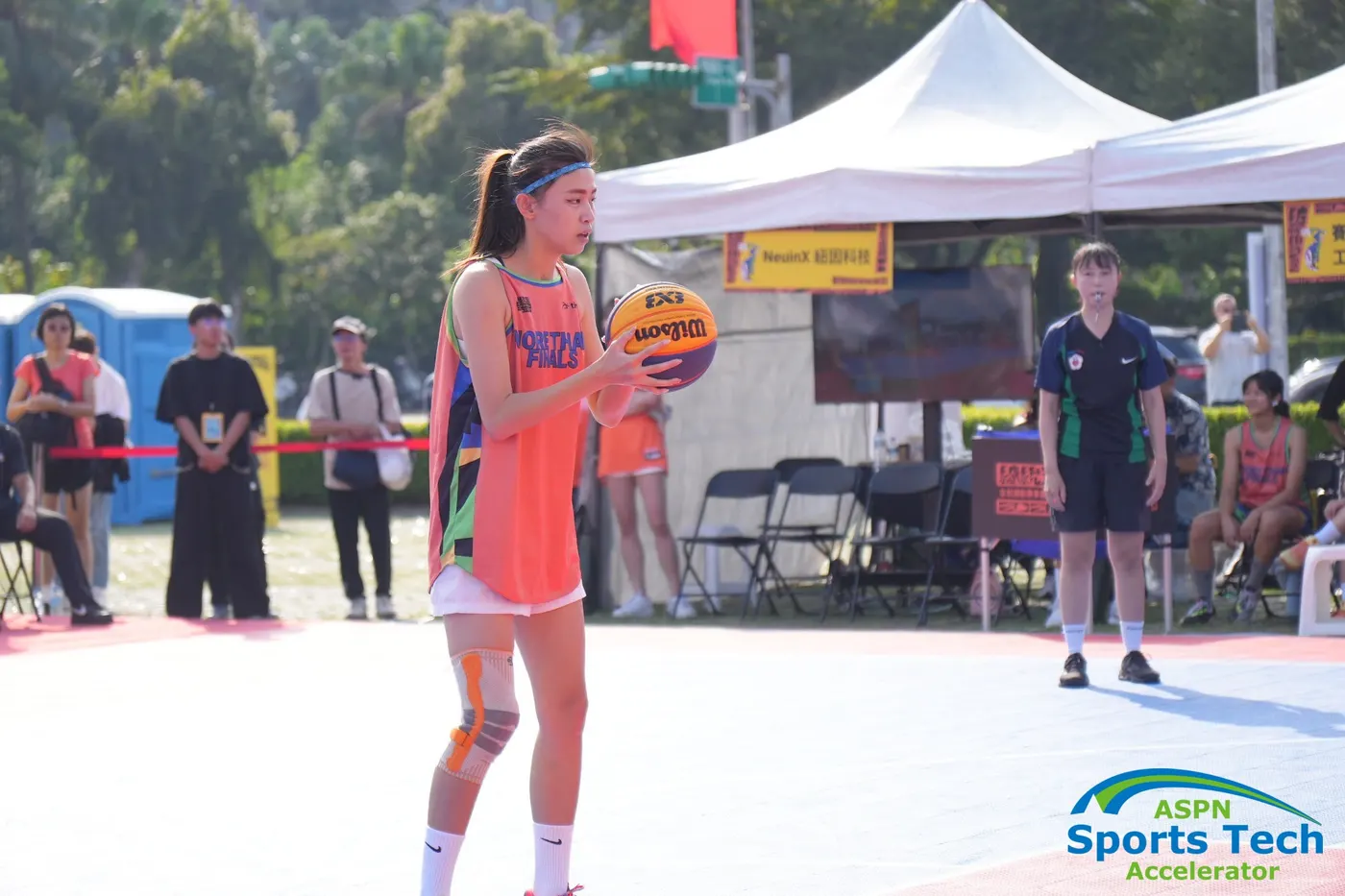
An invitation to play starts with a scan.
A clearly placed QR code gives people a simple way to respond to an invitation to play. They scan, follow the event’s sign-up flow and join a session—moving from watching the court to stepping onto it.
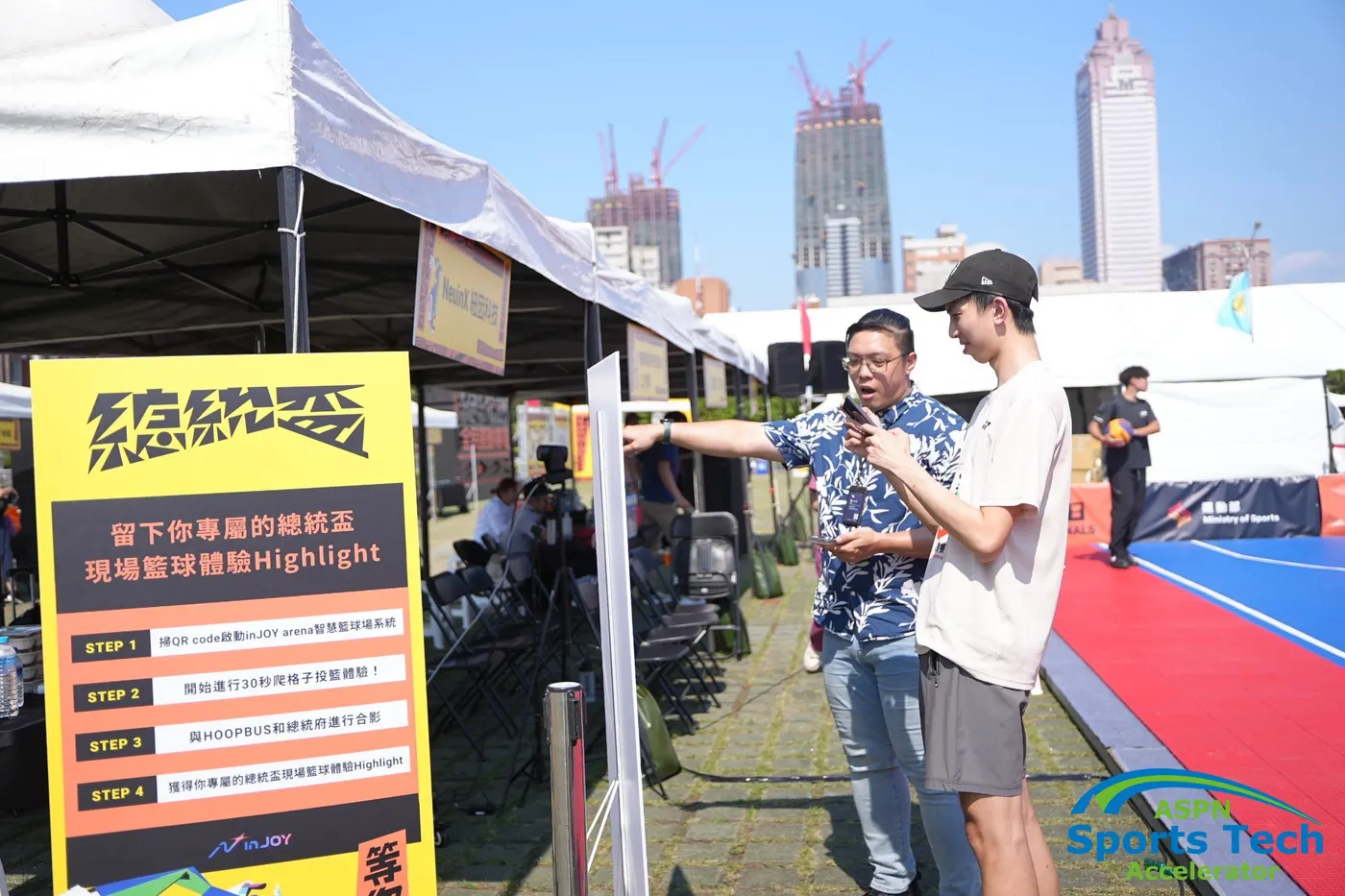
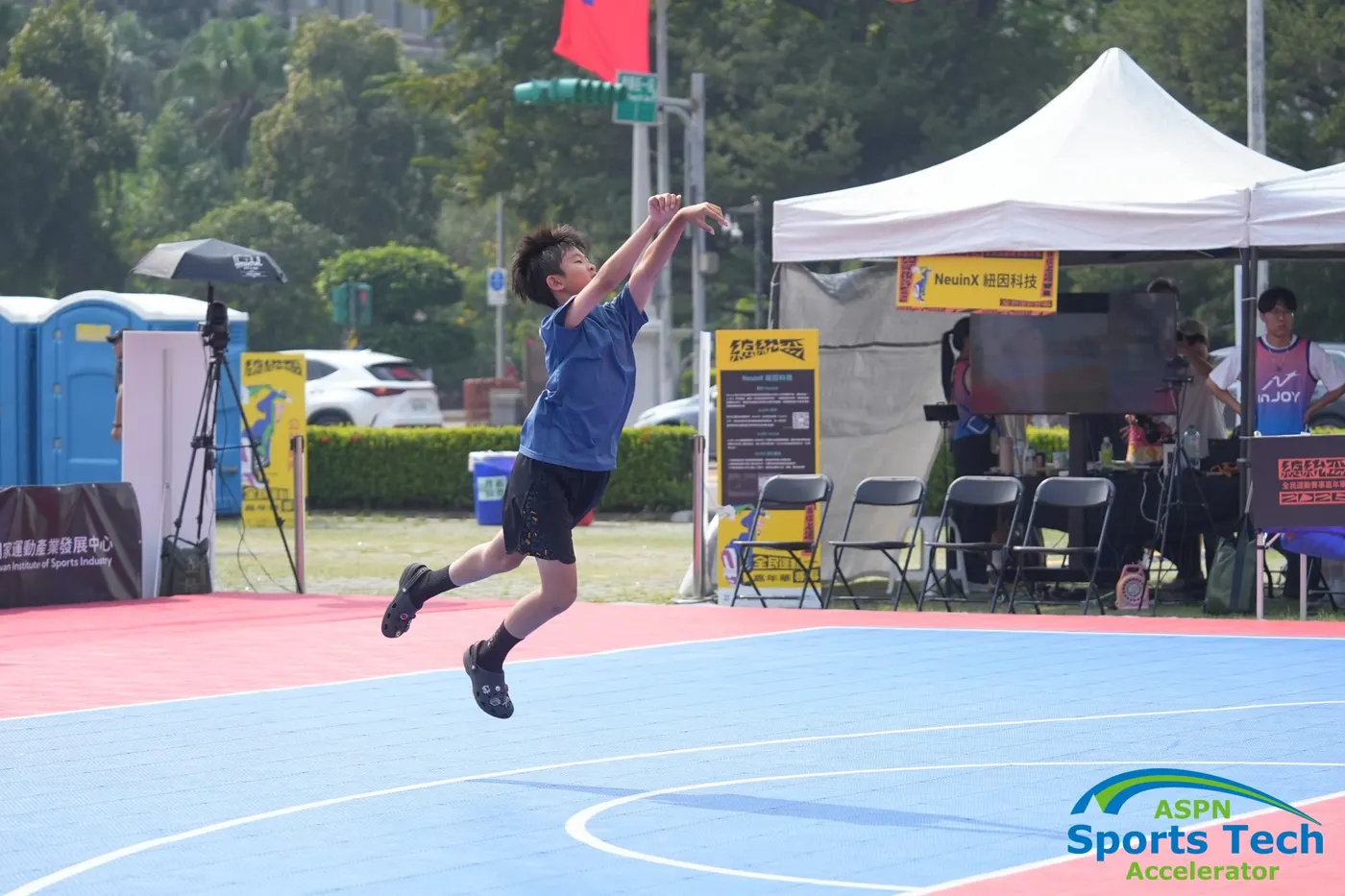
Track scores live. Review stats after the game.
The system tracks scoring automatically during play, without staff entering each score by hand, and keeps the on-site view and game record in sync with minimal delay. Once the game ends, players can review their stats and replay without waiting for someone to compile the results.
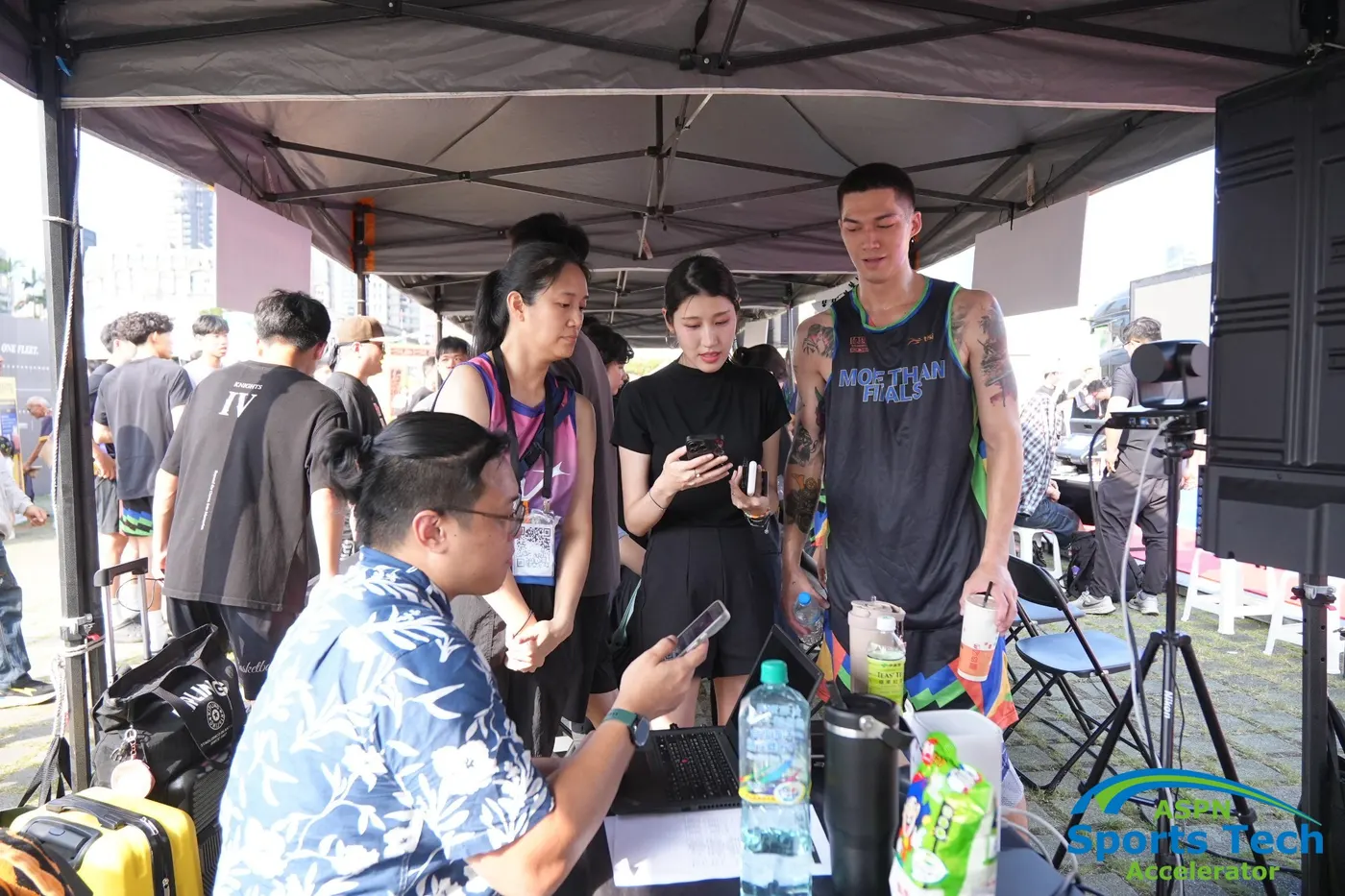
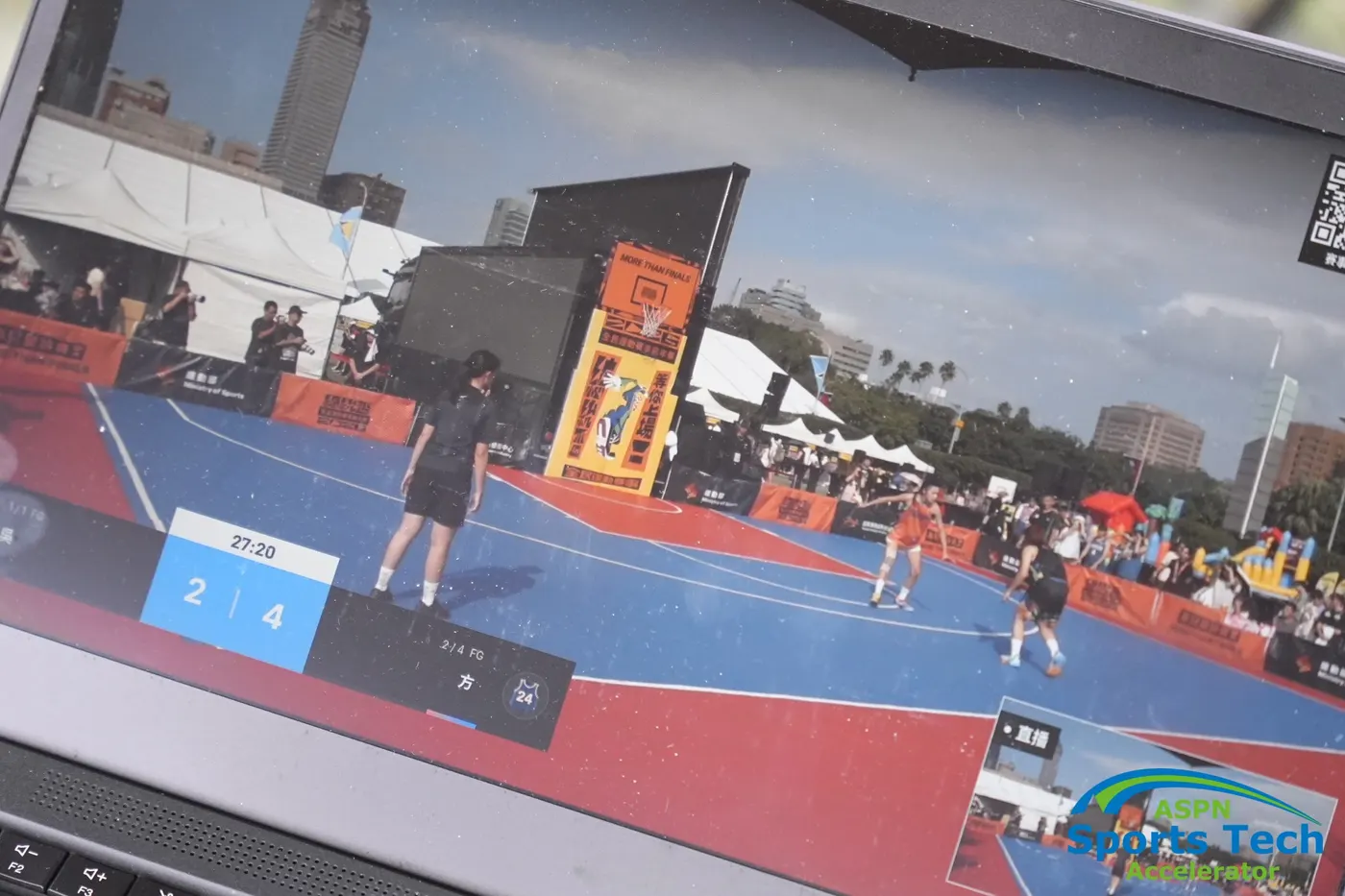
Photos supplied by NeuinX; original ASPN Sports Tech watermarks retained.
The venue changes. The connection stays.
The outdoor setup shows the basic approach; the community and competition concepts show how it could be adapted to other spaces. Cameras, local processing and spectator participation work together as one experience.
- Outdoor events
- Portable camera → Wi-Fi hub → audience screenGive spectators a place to watch and a way to take part.
- Community courts
- Portable camera → laptop → courtside interactive screenMake it easier for players to join a session at their local court.
- Competition venues
- Roof-mounted camera → server-room hub → movable / overhead screensPlan camera views and screens around the court and team benches.